Genjutsu AI
Give an existing video a new direction with Genjutsu AI. Transfer its motion to a new character, or replace a product or prop using reference images.
What is Genjutsu AI?
Genjutsu AI transforms existing footage using a source video and reference images. Motion transfer carries a performance into a new visual setting; object replacement targets a particular element within the shot. Use Genjutsu AI to turn a filmed movement or product scene into another creative version.
Key Features of Genjutsu AI
Guide movement, appearance, and focused edits with Genjutsu AI. Each video below shows a different starting point.
Transfer a performance
Bring the timing of a dance into a new character scene. Choose motion transfer in Genjutsu AI, add the source clip and a character reference, then review gestures and movement in the result.
Transfer motion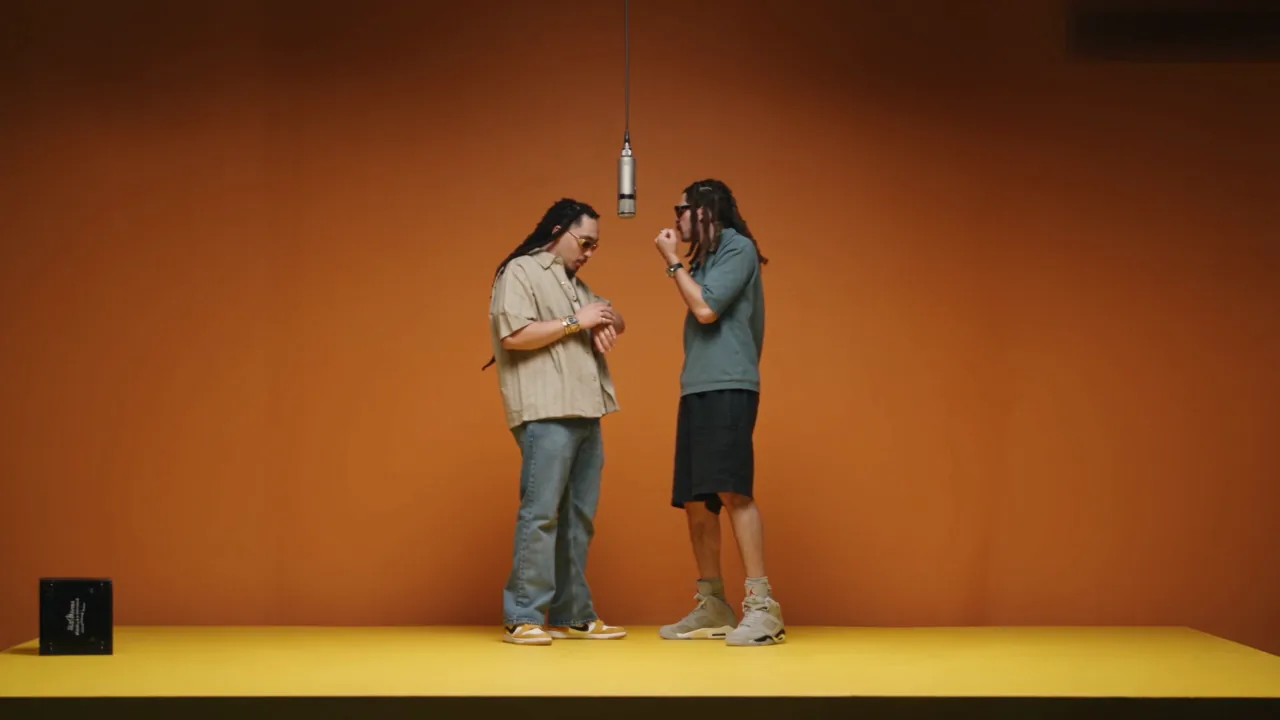
Reimagine characters in motion
Build a playful performance around an illustrated or animal character. Pair a movement reference with images that define the new cast. The model uses these visual cues to reinterpret the scene for a music clip or character story.
Animate a new character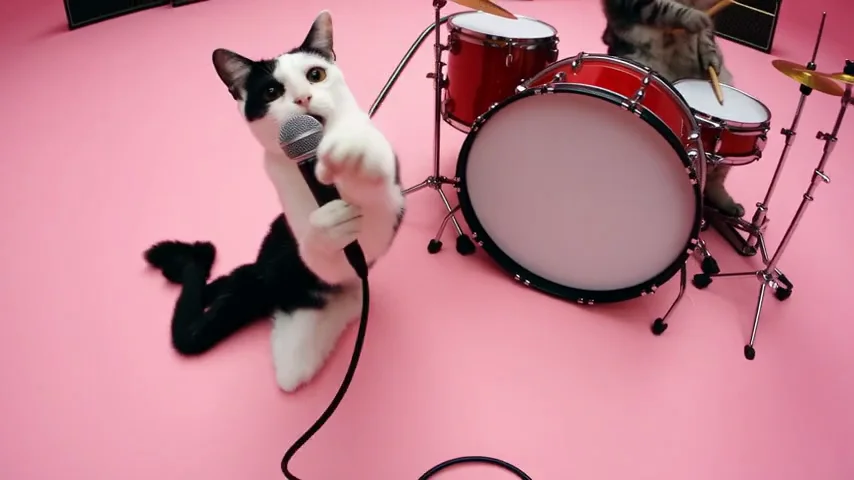
Replace the featured product
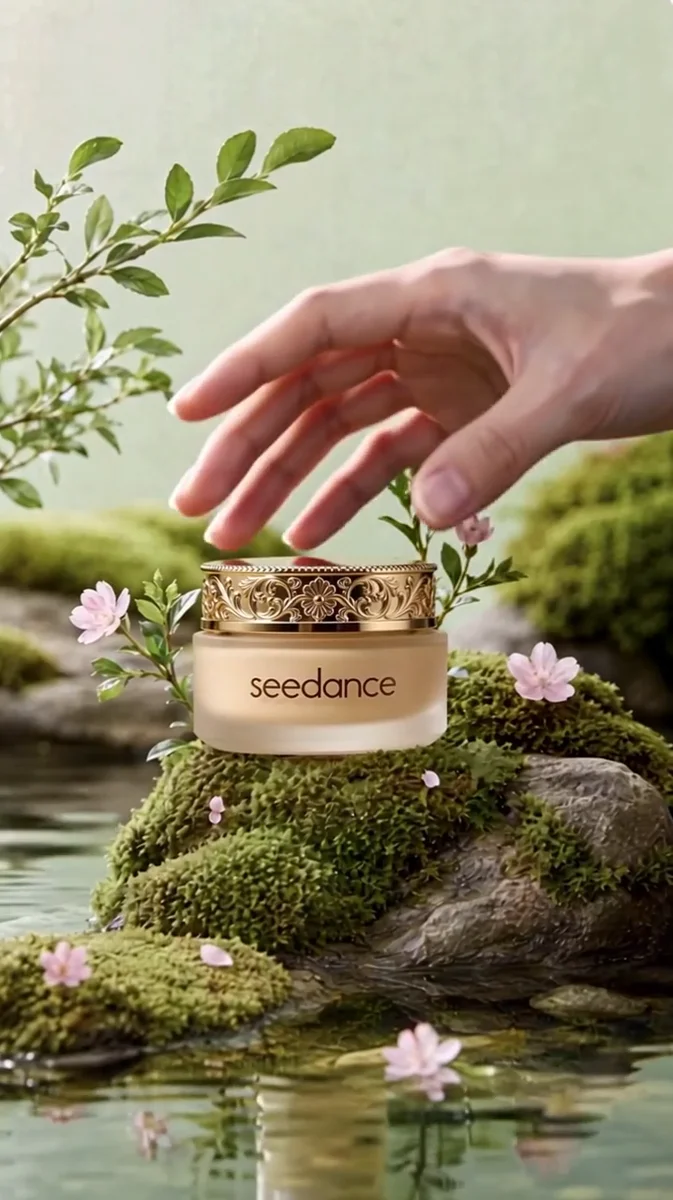
Give a product shot another starring object. Select object replacement in Genjutsu AI, upload the original video and the new product image, and specify the item to change. Compare the source and result for packaging, placement, and movement.
Replace a product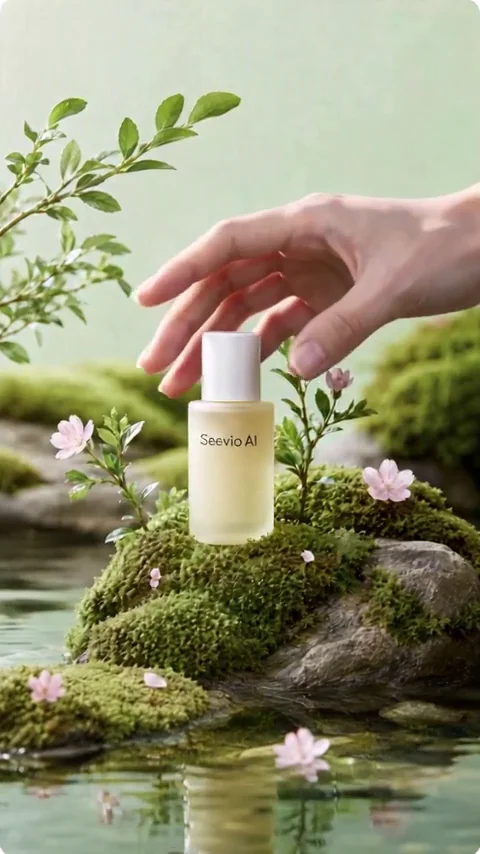
Swap props within a scene
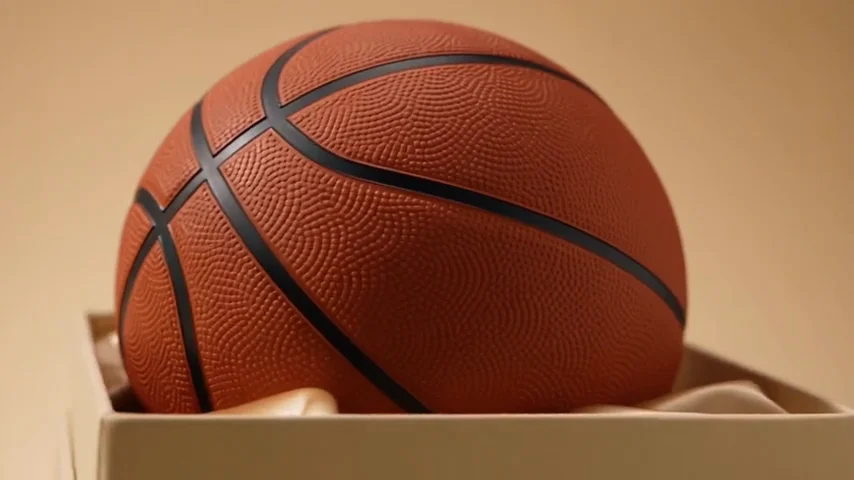
Change the contents of a box without planning another unboxing shoot. Add the source clip and an image of the replacement item. A short instruction can identify the object while the surrounding scene provides context for the edit.
Swap an object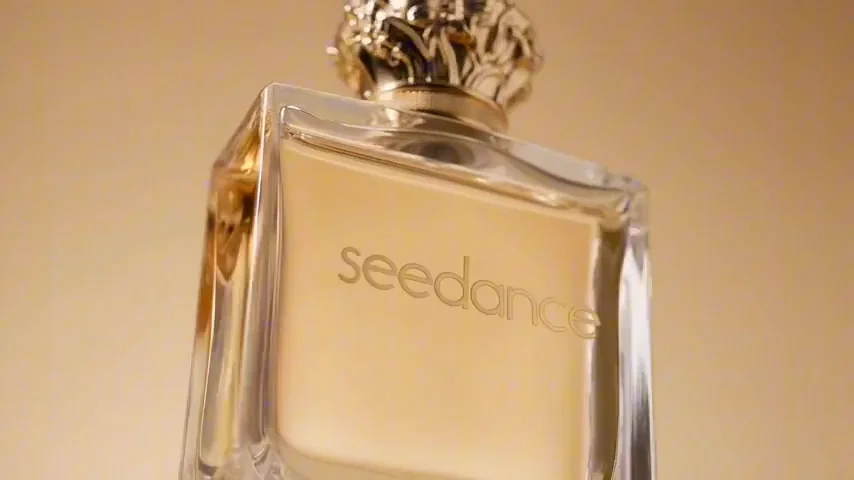
How to use Genjutsu AI
Start with a clear clip and images that show the intended change.
Add your references
Upload one source video and 1–10 reference images. Choose a clip up to 30 seconds; object replacement needs at least 4 seconds.
Choose the transformation
Select motion transfer or object replacement in Genjutsu AI. Add an optional instruction to clarify the change, choose the resolution, and check the displayed credits.
Generate and review
Submit when ready, then compare the output with your source. Inspect motion and the edited object before downloading your chosen video.
Genjutsu AI Inspiration Gallery
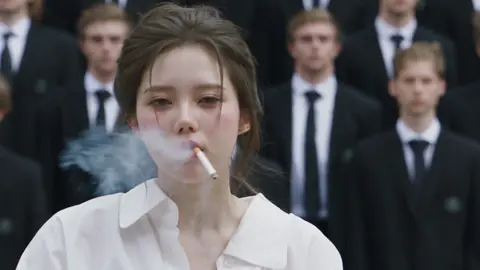
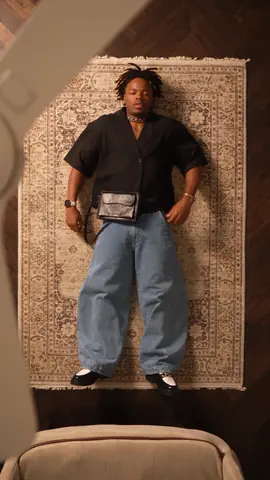
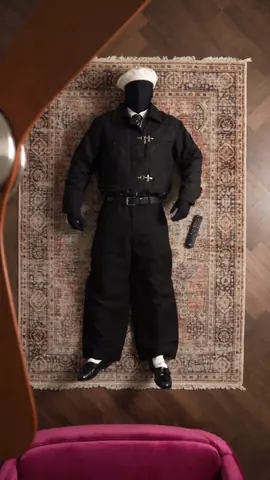
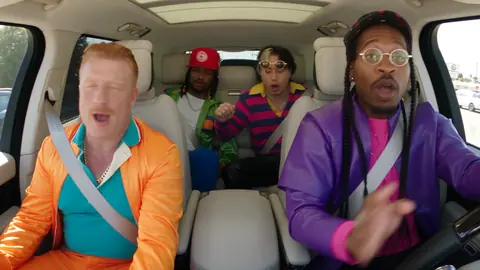
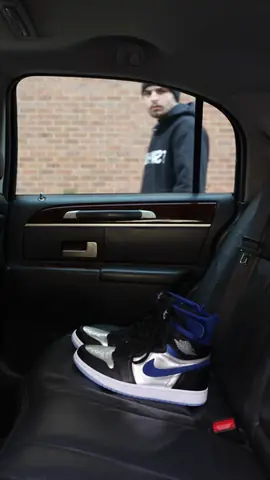
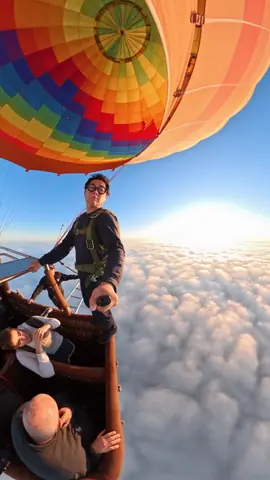
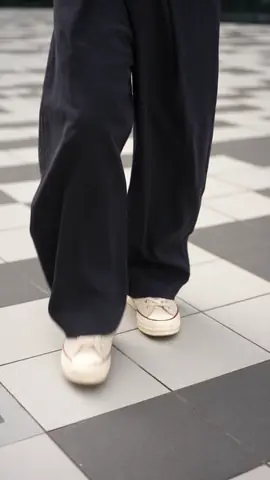
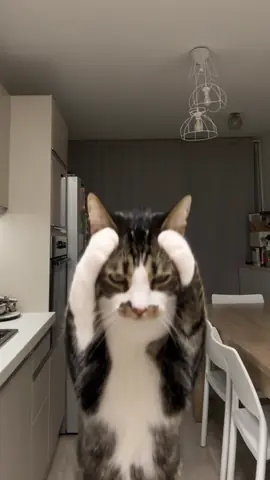
Open a video to inspect its references. Recreate it here, then make the idea your own.
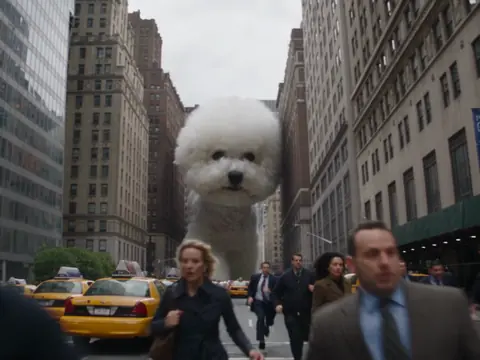
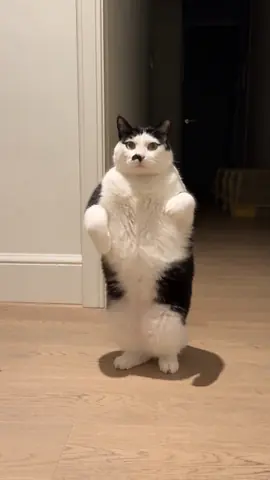
Genjutsu AI Use Cases
Use Genjutsu AI to build a new variation from footage you already have.
Dance and performance clips
Creators can start with a recorded dance and a character image. Transfer the performance to build a new social clip, then review how the movements fit the new subject.
Product campaign variations
Marketers can combine a product video with a replacement packshot. Explore another featured item while the original shot provides a useful starting composition for the campaign.
Unboxing concepts
Start with footage of an opened box and an image of a different item. Replace its contents to preview a gift selection or merchandising concept before arranging another shoot.
Character music videos
Pair performance footage with images of an imagined cast. Develop a playful band scene or short musical story, using the reference movement to give the characters a shared performance direction.
Story and scene exploration
Filmmakers can bring a movement study and character references into Genjutsu AI. Explore how a familiar action reads in a new visual concept before developing the next storyboard or sequence.
Social content remixes
Take a clip from your content library and choose one clear visual change. Build a new version for a recurring series, checking subject details and pacing before adding it to your edit.
Creator Stories with Genjutsu AI
 AlexVideo Creator · Performance
The terrace dance gave my character a clear rhythm. Starting with a filmed performance made it easier to shape the movement for my short clip.
 SamDesigner · Products
One perfume shot became a useful way to explore different packaging. Seeing the replacement in motion helped me present the product concept.
 JamieArtist · Storytelling
A cat band was exactly the playful direction my music story needed. The character references and performance clip gave the scene a shared visual idea.
Genjutsu AI FAQ
Practical details about references, editing, and credits.
How do motion transfer and object replacement differ?
Motion transfer uses the source performance to drive a new character or scene. Object replacement changes a selected element, such as a bottle or box contents. Genjutsu AI offers both workflows in the generator.
What files should I prepare?
For Genjutsu AI on this page, prepare one video up to 30 seconds and 1–10 reference images. Object replacement requires a 4–30 second source. Clear views of the subject help define the intended edit.
Do I need a prompt?
A prompt is optional. Add a short instruction when you want to identify the target object or explain a reference. Recreating an inspiration with no prompt loads its reference media without inserting description text.
Which resolutions can I choose?
Genjutsu AI supports 480p, 720p, and 1080p output in this generator. Inspect the result for fine details, especially labels, hands, and overlapping objects.
How are credits calculated?
Genjutsu AI uses credits according to resolution and video duration. Review the estimate and your balance before submitting; the completed output duration determines the final charge.
Explore More AI Models
Find another creative direction for images, motion, and reference-based video.
Make your next edit with Genjutsu AI
Bring a source clip and reference images. Turn a movement or object change into a video.
Try Genjutsu AI