Magi 2 AI Video Generator
Create 1080p videos with sound in Magi 2. Start with a prompt, animate still frames, or combine image, video, and audio references in one brief.
What is Magi 2?
Magi 2 is Sand.ai’s video model for clips that need picture and sound together. Choose text to video, image to video with a first frame and optional last frame, or reference to video. Seevio renders 4–30 seconds at 1080p.
Magi 2 key features
Direct what viewers see, hear, and follow from shot to shot.
Generate sound with the scene
Enable audio and describe dialogue, ambience, or music alongside the action. Magi 2 can generate these sounds with the picture in one pass.
Try native audio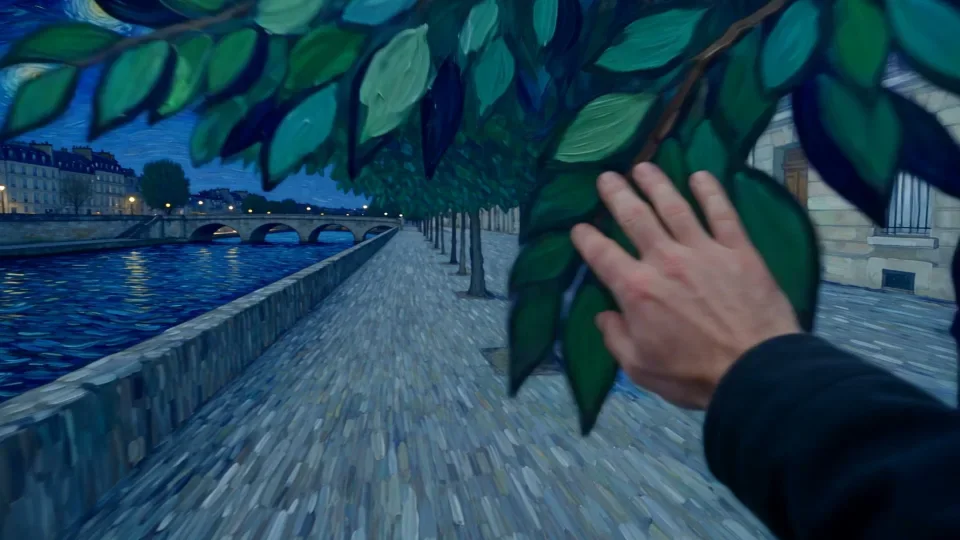
Combine references for a consistent look
Give Magi 2 up to 10 images, 5 video clips, and 5 audio clips. Assign each reference a job, such as establishing a character’s outfit or guiding camera motion.
Try multiple references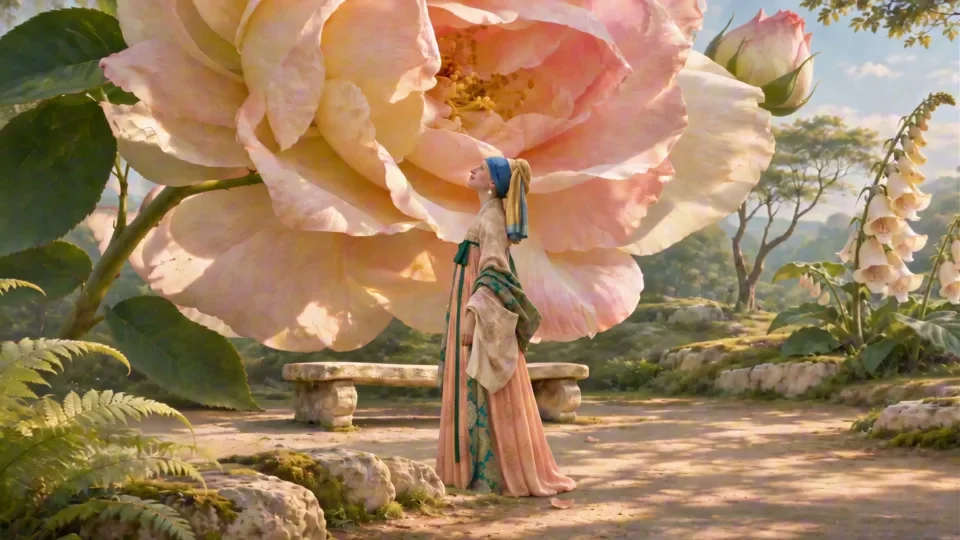
Direct cuts with a timed prompt
Mark when shots should begin and what changes at each cut. Use Magi 2 to test how a scripted sequence reads before building a full edit.
Try shot timing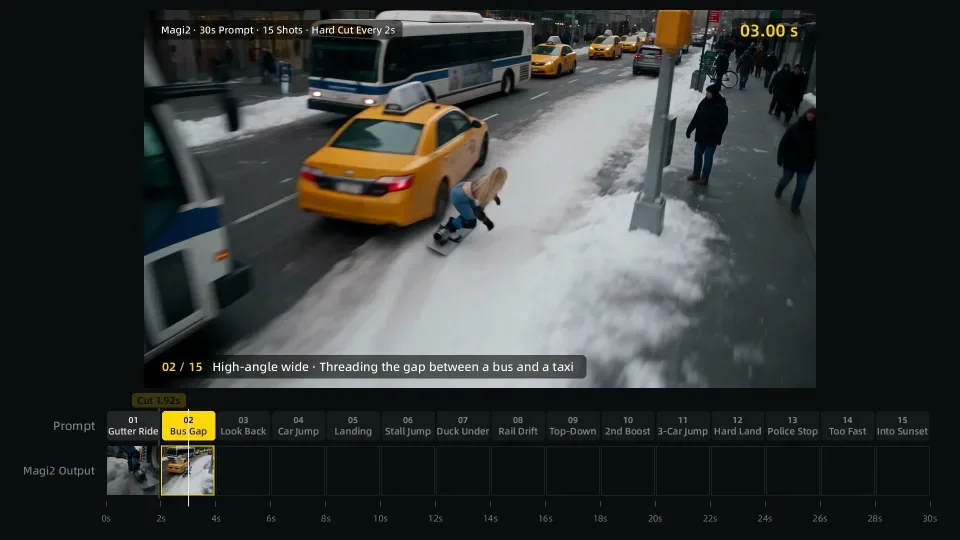
Direct a dialogue scene
Describe the setting and the key beats of the conversation. Review the generated framing and reactions before refining your next take.
Start creating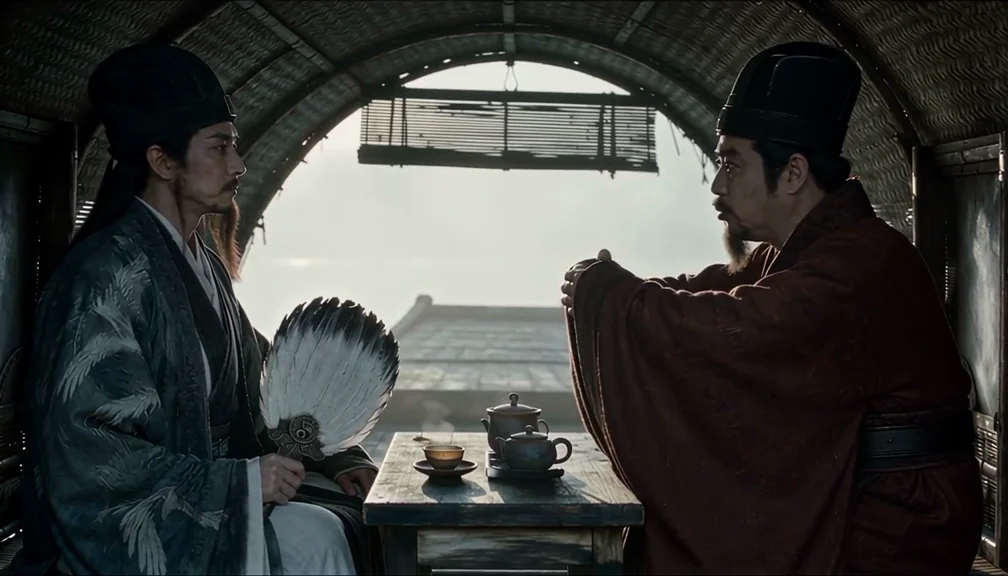
How to use Magi 2
Choose a starting point, then check the clip length and credit quote before generating.
Choose an input mode
Use text for a new scene, first and last frames for a planned transition, or references for shots guided by existing media.
Describe the action and sound
Write the movement, framing, and audio cues. Add time ranges when the order or timing of shots matters.
Generate and review
Set the duration, check the credit quote, and generate. Review the picture and audio together before refining the prompt.
What can you make with Magi 2?
Use the generator for short pieces and early decisions in longer productions.
Dialogue scenes
Write a short exchange and describe the reactions and background sound for a scene rehearsal.
Product reveals
Animate a product photo with a slow push-in and a finish that leaves room for a logo.
Motion storyboards
Describe a wide shot, close-up, and cutaway to test the sequence before shooting.
Music visuals
Use a reference audio clip and describe how the motion should follow the musical phrasing.
Tutorial visuals
Start from a screen recording and describe an on-screen change that clarifies one step.
Style studies
Prompt a continuous camera move through different looks to compare how the transitions land.
Creator Stories with Magi 2
Explore three production ideas drawn from the video examples.
One take, several looks
An uninterrupted camera move can connect distinct painting styles inside a single scene.
A recognizable character
Costume references give a recurring character recognizable details as the setting changes.
Plan the cut before the edit
A timed chase prompt gives you a rough sequence to review before assembling the final cut.
Magi 2 FAQ
Answers about inputs, output, and credits.
How long can each video be?
On Seevio, Magi 2 generates clips of 4–30 seconds at 1080p.
Can I use a first and last frame?
Yes. Choose image to video, upload a first frame, and optionally add a final frame.
Can I generate without sound?
Yes. Turn off Generate audio in the form when you want a silent output.
How many references can I add?
In reference mode you can use up to 20 files total, with limits of 10 images, 5 video clips, and 5 audio clips.
How much does a clip cost?
Magi 2 costs 10 Seevio credits per second of output. A five-second clip costs 50 credits. The total appears before submission.
Explore More AI Models
Make your first Magi 2 video
Bring a prompt, still frame, or reference clip and see how your scene moves and sounds.
Open the generator